Note
Access to this page requires authorization. You can try signing in or changing directories.
Access to this page requires authorization. You can try changing directories.
Real-time intelligence in Microsoft Fabric helps you extract insights and visualize streaming data in motion. This tutorial provides an end-to-end solution for event-driven scenarios, streaming data, and log analysis.
You’ll learn how to set up and use the main features of real-time intelligence with a sample dataset.
For more information, see What is real-time intelligence in Fabric?.
Scenario
The sample data you use in this tutorial is a set of bicycle data that includes information about bike ID, ___location, timestamp, and more. You learn how to set up resources, ingest data, set alerts on the data, and visualize the data to extract insights.
In this tutorial, you learn how to:
- Set up your environment
- Get data in the Real-Time hub
- Transform events
- Publish an eventstream
- Use update policies to transform data in Eventhouse
- Use Copilot to create a KQL query
- Create a KQL query
- Create an alert based on a KQL query
- Create a Real-Time dashboard
- Explore data visually in the Real-Time dashboard
- Set up anomaly detection on Eventhouse tables
- Create a map using geospatial data
- Set an alert on the eventstream
Prerequisites
To successfully complete this tutorial, you need a workspace with a Microsoft Fabric-enabled capacity.
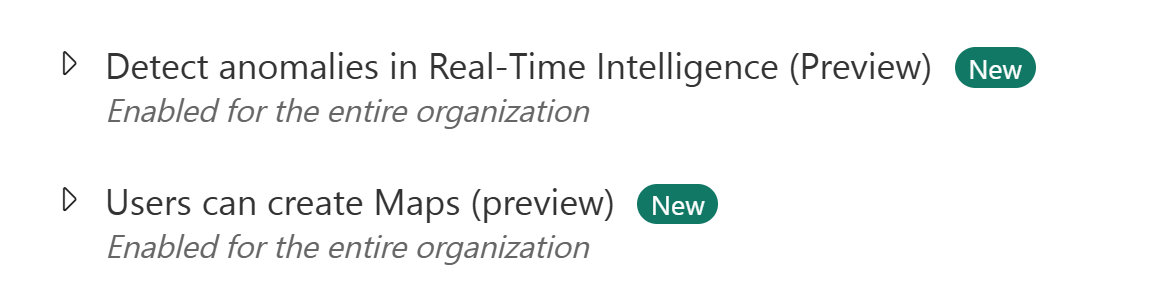
The tenant admin must enable the maps and anomaly detector preview settings in the admin portal. For more information, see What is the admin portal?.